
Best AI game maker, by exports, price and rights

On this page
Which AI game maker fits your goal?
Start with what you want to end up with, whether that’s a playable link, files for a storefront, or a project you can keep coding.
-
A quick playable link. Start with Rosebud, which builds 2D and 3D games from a description and publishes them in the browser. Makko offers a similar describe, play and share loop for 2D games, though its free publishing limit isn’t stated.
-
A game to sell on Steam or itch.io. Start with GDevelop, whose exports and license cover desktop builds, web-file exports and permission to sell. Summer also advertises Windows and macOS exports, and its free-plan page says free-made games can be sold with no royalties, although its terms state ownership rather than a separate commercial-use grant.
-
A game you keep coding. Consider a coding agent in your project folder, although Summer also gives you editable GDScript. The coding route below covers that choice.
How the four game makers compare
These tools either build playable games for you or add AI creation straight into a game engine. The table keeps where you build separate from what players end up with.
We read everything on October 1, 2026, and prices are in USD. “Not stated” means the linked sources didn’t establish that detail, and since the table is wide, scroll across for publishing rights and prices.
| Game maker | Code needed | 2D / 3D | Where you build | Output | Hosting included | Publish on the free tier? | Commercial use / who owns the output | Starting price |
|---|---|---|---|---|---|---|---|---|
| Rosebud | None; code editing on paid plans | 2D and 3D | Browser; code tab and code download desktop only | Browser link; paid Windows EXE with source, tier not stated; code download from Pro | Yes, on Rosebud | Personal use only | Paid-plan games may be sold; Rosebud owns generated material (terms, section 4). Plan conflict below | Free; Indie Dev $15/month |
| GDevelop AI | None; visual events | 2D and 3D | Browser, desktop app, mobile app | gd.games link, desktop and mobile builds; HTML5 files | Free gd.games hosting | Unlimited gd.games publishing; one desktop and one Android cloud build per day | You can “distribute, sell or do anything with the games you created with GDevelop.” (README license section); ownership not stated in service terms | $0; paid starting price not stated in the retrieved table |
| Makko | None; optional code editing | 2D | Browser; phone editor support not stated | Browser link; external-hosting export allowed, file format not stated | Yes, shared games on Makko | not stated | Commercial use allowed; “You retain ownership of all games, code, and assets you create using our platform.” (terms) | Free; paid starting price not stated in the retrieved plans |
| Summer Engine | None to start; editable code you own | 2D and 3D | Desktop app | Windows/macOS native builds advertised; .pck for its catalog; HTML5 not stated | Hosted play is not live | Manual export is free; free-plan page says free-made games can be sold, no royalties | “You retain ownership of the content you create using Summer Engine.” (terms); explicit commercial-use grant not stated | Free app with starter hosted AI, allowance not stated; Pro $20/month |
Rosebud is quick to share, but check the paid line
Rosebud’s game-creator page offers free browser creation and publishing from plain-language descriptions. The paid features come in steps, and its pricing puts the code tab on Indie Dev at $15/month and commercial rights on 10x Dev at $30/month.
Downloadable project code only comes with Pro at $50/month, so editing code in the browser and actually taking it off the platform are separate features.
The terms permit commercial use of content created on a paid plan and limit content made on the free plan to personal, non-commercial use. It’s easy to miss, but they also reserve ownership of generated material to Rosebud.
Oddly, the pricing page’s $30 commercial threshold doesn’t match the terms’ paid-user wording, so confirm which plan applies before you sell. The Windows-export guide says export needs a paid plan, too, but doesn’t name the minimum tier.
GDevelop gives you visual events and a way to export
GDevelop’s AI agent can create scenes, objects and events and build mechanics inside your project. You still get a visual event system to look at and change, which the engine documentation describes as no-code. And if you’re away from a desk, its download page explicitly supports building on phones, tablets and computers.
The publishing docs explain desktop builds for Windows, macOS and Linux, and the HTML5 export docs explain web files for itch.io. The README license section permits selling exported games, while the service terms describe the engine’s MIT license but don’t state an output-ownership clause.
The free plan includes 40 AI credits/month and unlimited gd.games publishing.
If you use the account for your company, or for a client company, with more than $50,000 in revenue or funds raised in the prior 12 months, GDevelop requires Pro. We couldn’t even see the paid prices, since they didn’t render in the pricing table we retrieved, so we’ve left them out.
Makko pairs 2D art with a playable browser game
Makko splits the work in a neat way. Its product page describes an Art Studio for characters and animations and a Code Studio that builds a playable 2D browser game from your description, and you can publish a link without sorting out hosting yourself. Its terms permit commercial game creation and export for external hosting, with a limited license for Makko to host, display and process your content.
The free allowance is 150 art budget/month and 70 chat requests/week. When we retrieved the pricing page, the paid plans only showed loading text, and neither it nor the terms established an export file format or a free-tier publishing allowance. So don’t assume a browser link comes with an HTML5 download or a native build.
Summer builds a desktop project, and hosting is still to come
Summer’s game-maker page describes a desktop engine compatible with Godot 4, with prompt-driven scene creation, editable GDScript and native Windows/macOS exports.
Its pricing makes the editor and manual export free, offers some starter hosted-AI usage and lists Pro at $20/month, though it recommends Pro+ at $60/month for AI-led game building.
Its export docs cover a game-content .pck submitted to Summer’s catalog, and those docs say browser play, desktop-shell play and hosted game servers for uploaded games aren’t live. That’s a separate thing from the advertised native export route, so keep the two apart.
Summer is still in early access. Its terms establish content ownership, and its free-plan page says games made for free can be sold with no royalties or revenue share.
Use a coding agent for a game you keep building
This is the route for when you want to work on the project files yourself and take responsibility for the build and publishing choices. Claude Code reads a codebase, edits files and runs commands, Codex CLI runs locally, and Cursor combines an editor and a coding agent. Antigravity is another development platform, with an IDE and local agents.
You get a lot more control over the project files that way, but picking an agent doesn’t settle your engine, asset licenses or release format. Best AI for game development compares plans and workflows, and if you want to start with one project, how to make a game with AI or vibe coding a game will get you going.
General app builders are a separate group
Lovable builds web apps from natural language, and Bolt builds apps and websites from chat. We keep them in their own group because their documented scope is general apps. If that’s your route, compare them on the coding-tools page, and then decide what game loop you want to build.
What creators we list actually used
These counts show the tools named by creators of the games we list. They’re basically a record of what people used, and they don’t rank the makers above by quality or ease of use.
| Tool | Category | Listed games naming it |
|---|---|---|
| Claude Code | Coding agent | 224 |
| Cursor | Editor and coding agent | 106 |
| Codex | Coding agent | 101 |
| Antigravity | Development platform | 20 |
| Lovable | General app builder | 9 |
| Bolt | General app builder | 6 |
| Rosebud | Dedicated game maker | 5 |
These counts are as of November 14, 2026. We list 588 games, 414 of them Vibe Jam 2026 entries.
Creators name their own tools, and a game can name more than one, so the counts overlap. The jam page names Cursor and Bolt as sponsors, so this sample isn’t a neutral survey of all game-making tools either (how we count).
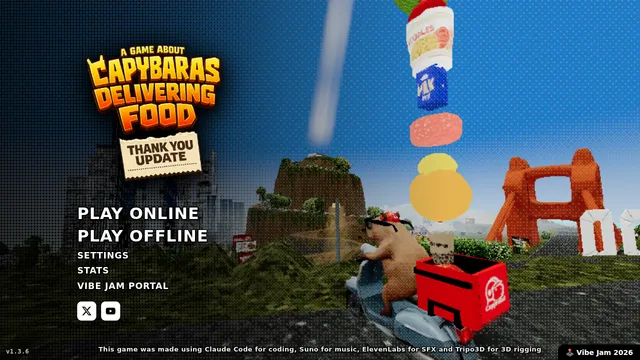
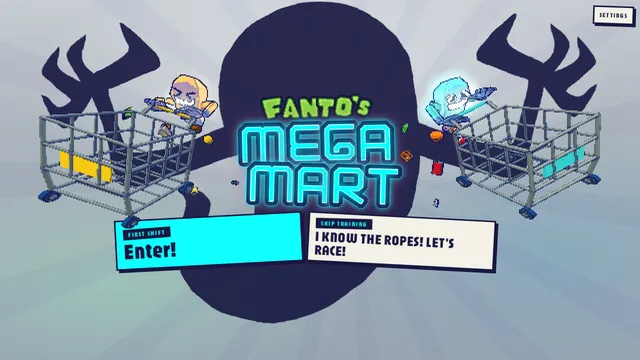
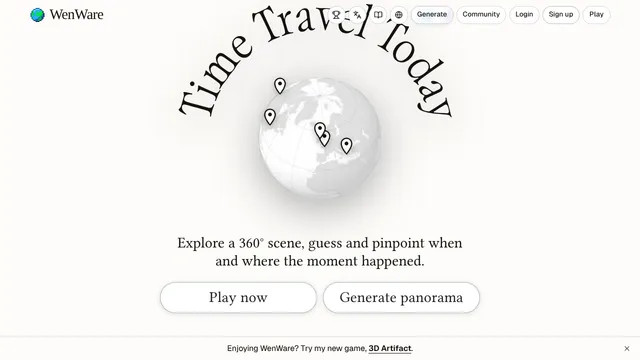
You can see what that looks like in a few of the top games. A Game About Capybaras Delivering Food names Claude Code, while Fanto’s Mega-Mart and WenWare both name Codex.
The tool hubs show what creators shipped with each one, and GDevelop, Makko and Summer have no tool slug in our current taxonomy, which leaves them without a count in the table.
How we chose and checked these four
We picked Rosebud, GDevelop, Makko and Summer from products with current primary documentation that describes making playable games, and we read their own product, documentation, pricing and terms pages on October 1, 2026. Vendor comparisons only helped us find candidates, and we didn’t benchmark output quality or test these editors.
We left Ludo.ai off after its FAQ said it doesn’t create playable games or prototypes while its pricing listed playable iteration generation, and we couldn’t reconcile the two or find a publishing route. Astrocade’s export and ownership details also couldn’t be verified for this review.
A “not stated” in the table is a gap in the sources we could read, not a claim that a feature is unavailable, and catalog use is counted separately on every site build.
The exported files and the rights should match how you’ll release the game before you pay for a plan, and selling AI-made games covers what comes after.
Games to look at
 , Phone friendly , Online multiplayer
A Game About Capybaras Delivering Food
Drive capybaras around a cozy open world delivering food without toppling the fruit stack.
 ClaudeSimulation 2 votes
 , Online multiplayer
Fanto's Mega-Mart
Race through a haunted grocery store at rocket speed, grabbing items as you go.
 , Phone friendly , Online multiplayer
WenWare
Guess the place and year of a 360-degree historical scene.
 , Phone friendly , Online multiplayer
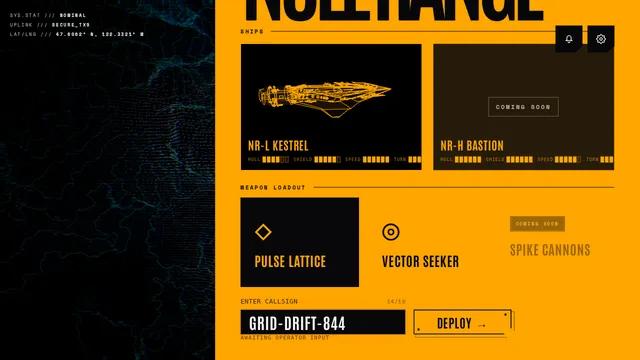
Null Range
Fly a first-person spacecraft and dogfight other pilots online
 , Phone friendly
Necrotic Dungeon
Explore a dark fantasy dungeon in an old-school crawler with puzzles and RPG battles.
 , Phone friendly
Demolition Drive
Swing, smash, and shatter structures to climb a global leaderboard.
 GeminiAction


Questions
What is the best AI game maker?
It depends on what you want out of it: Rosebud for a quick browser link, GDevelop for web files or desktop builds you can sell, and Summer for a desktop engine project with editable code. Makko offers 2D browser games, but the sources we read don't state its export format or free publishing limit. This comparison doesn't rank output quality.
Is there a free AI game maker that lets you publish?
Yes. GDevelop's free plan includes unlimited publishing on gd.games plus one desktop and one Android cloud build per day, and Rosebud offers free browser creation and publishing for personal use, though commercial use needs a paid plan. Summer's free app includes manual export, and its free-plan page says games made for free can be sold with no royalties or revenue share.
Which AI game makers work without coding?
Rosebud and Makko both take a plain game description, with no programming needed. GDevelop uses visual events with an AI agent that builds mechanics in your project, and Summer writes scripts from descriptions that you can edit later.
Can I build a game on my phone?
With GDevelop you can, since it explicitly supports building through its mobile app as well as its web and desktop apps, which isn't the same as a game just running in a phone browser. Rosebud's pricing table lists code editing and project-code downloads as desktop-only features.
Can I sell an AI-made game on Steam or itch.io?
GDevelop is the clearest case, since it documents desktop and web exports and permits selling exported games under its engine license. Rosebud documents a paid Windows export, but its pricing and terms disagree about the commercial plan threshold, so confirm that before paying. Summer's free-plan page says free-made games can be sold with no royalties, though its terms state ownership rather than a separate commercial-use grant.
Do I own the game an AI game maker creates?
It depends on whose terms you read. Makko's terms say you retain ownership of games, code and assets, and Summer's say you retain ownership of created content. Rosebud reserves ownership of generated material while allowing commercial use of content created on a paid plan, and permission to sell isn't the same thing as ownership.